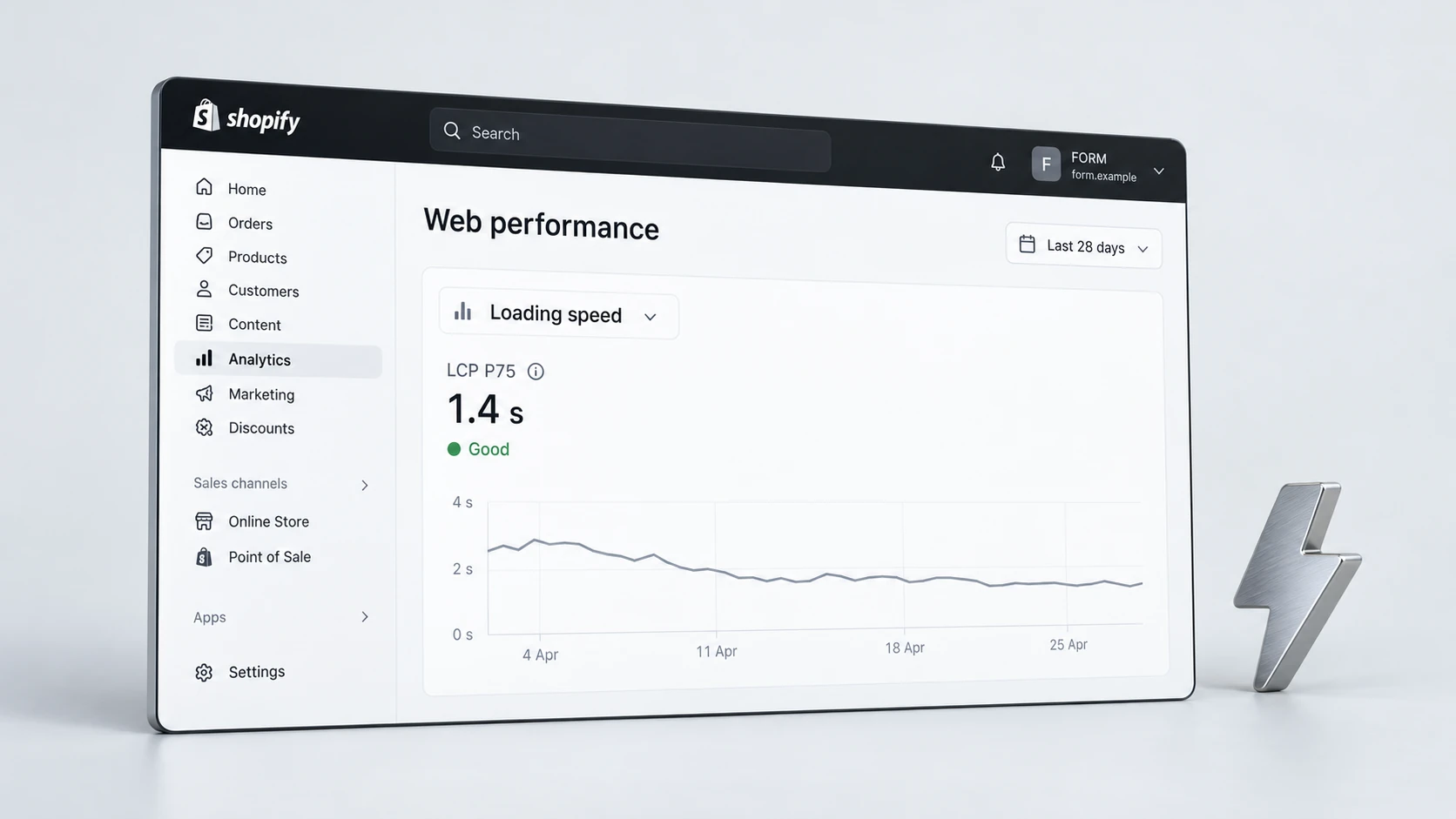
Shopify speed optimisation is not only about chasing a higher score in a testing tool. For ecommerce brands, speed affects how quickly customers can understand products, browse collections, compare options and move towards checkout. A store can look polished but still feel heavy if images, apps, scripts or theme sections slow down the pages that matter most.
Product pages and collection pages deserve special attention because they carry a large part of the buying journey. If these pages load slowly, jump around, delay key content or feel sluggish on mobile, customers may leave before the store has a real chance to convert them. The goal is not to remove every feature. The goal is to keep the experience fast, useful and commercially focused.
Why Shopify Speed Matters
Speed influences both user experience and search performance. Slow pages make browsing feel harder, especially on mobile connections. They can also affect how customers perceive the brand. A store that hesitates, shifts or delays key content can feel less trustworthy, even when the product itself is strong.
For Shopify stores, speed problems usually come from a combination of theme code, image weight, app scripts, tracking tags, fonts, video embeds and section complexity. This is why a useful speed review should look beyond one headline score. It should identify what is slowing down the actual customer journey and what can be improved without breaking important store functionality.
Start With the Right Pages
Before optimising anything, choose the pages that matter most. A homepage speed score can be useful, but product pages, collection pages and campaign landing pages often have a more direct impact on revenue. These pages contain the images, product grids, reviews, filters, variants and scripts that customers interact with before buying.
Prioritise high-traffic pages, high-value product pages, important collections and pages used in paid campaigns. Then compare mobile and desktop behaviour separately. Many Shopify stores look acceptable on desktop but feel slow on mobile because mobile devices have less processing power and customers may be using weaker connections.
- Test the homepage, key collection pages and best-selling product pages.
- Review pages used for paid traffic or email campaigns.
- Compare mobile and desktop performance separately.
- Check pages with reviews, filters, videos or heavy image galleries.
- Prioritise pages that influence revenue, not only pages that are easy to fix.
Check Images and Media
Images are one of the most common causes of slow Shopify pages. Ecommerce stores need strong visuals, but large, uncompressed or incorrectly sized images can delay loading and make mobile pages feel heavy. Product galleries, homepage banners, collection thumbnails and lifestyle imagery should be reviewed carefully.
The aim is not to reduce image quality until the brand feels cheap. The aim is to serve the right image size, format and loading behaviour for the context. Large hero images, product media and below-the-fold sections should not all compete for attention at the same time.
Image Speed Checklist
Review Apps and Scripts
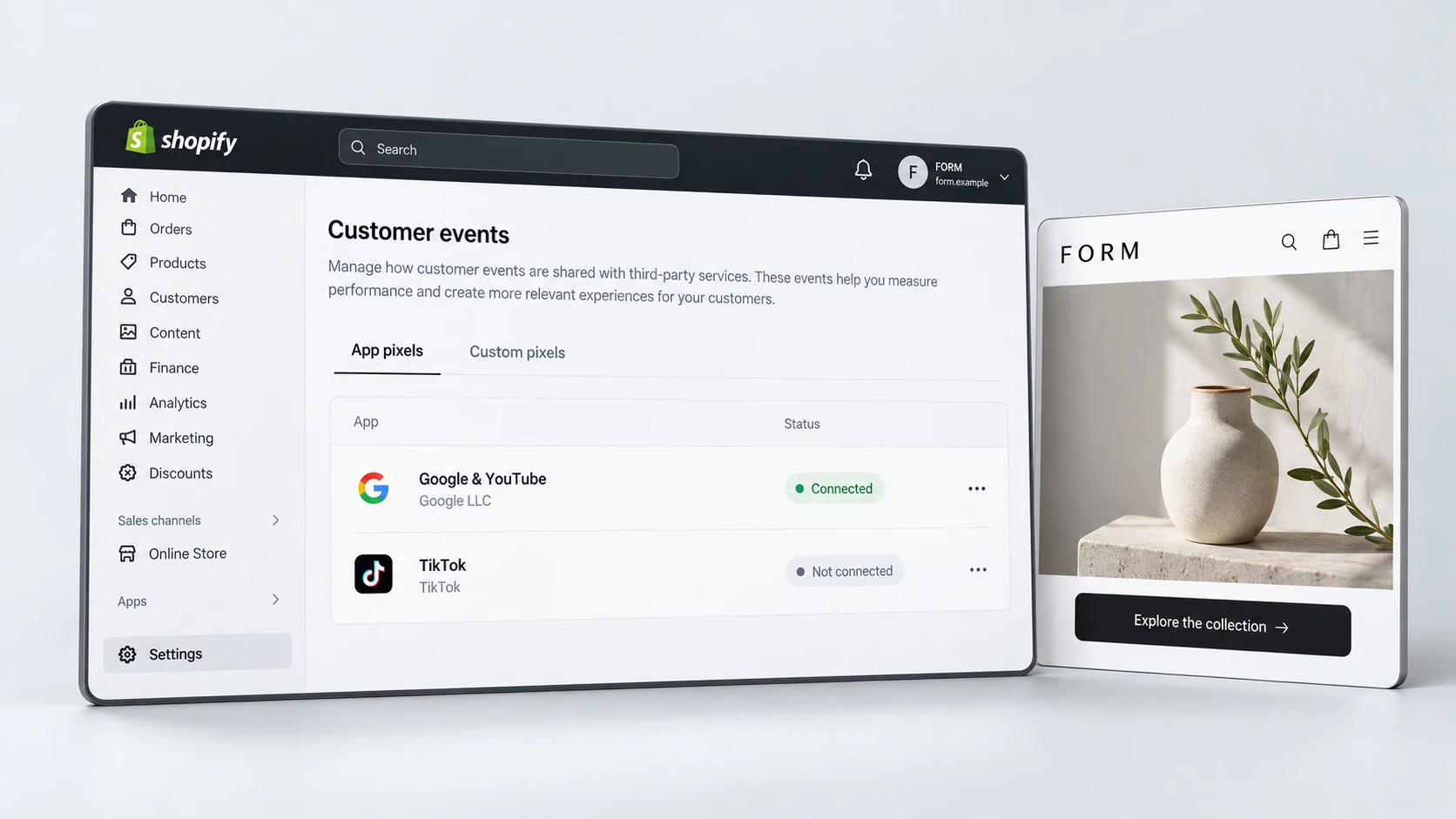
Shopify apps can add useful features, but they can also add scripts that load across the whole store. Reviews, bundles, upsells, subscriptions, chat widgets, pop-ups, analytics tools and tracking pixels may all affect performance. The problem is not that apps are bad. The problem is when unused, duplicate or poorly loaded scripts remain active after they are no longer needed.
Review every app with a commercial lens. Does it support revenue, customer experience or operations? Does it need to load on every page, or only specific templates? Are there old scripts from removed apps still present in the theme? A speed audit should identify which scripts are essential, which can be delayed and which should be removed.
- Remove app code from tools that are no longer used.
- Check whether pop-ups, chat widgets and trackers load too early.
- Review duplicate analytics or marketing tags.
- Limit app features to the templates where they are actually needed.
- Test store behaviour after script changes before publishing.
If your store has grown through many small app additions, RexCode’s Shopify speed optimisation service can help identify what is genuinely slowing down key pages and which changes are safe to make.
Improve Product Page Speed
Product pages often contain the most commercially important content on a Shopify store. They may include product images, videos, reviews, size guides, recommendations, subscription widgets, delivery messaging, FAQs and trust sections. Each element can be useful, but the page must still load quickly enough for the customer to stay engaged.
Start by checking what appears above the fold. The main product image, title, price, variants, reviews and add-to-cart area should load cleanly. If the page delays these elements while less important scripts load first, customers may experience the page as slow even if the final fully loaded score looks acceptable.
Product Page Speed Checklist
Improve Collection Page Speed
Collection pages can become slow because they load many product cards, filters, images, badges and sorting features at once. These pages should help customers compare products quickly. If the grid feels heavy, filters lag or product cards shift as images load, the shopping experience becomes harder than it needs to be.
Review how many products load initially, how images are sized, whether filters are essential and how quickly customers can move from browsing to product detail pages. A collection page should feel fast enough for scanning, not just pass a single lab test.
- Use appropriately sized collection thumbnails.
- Avoid loading too many products before the customer scrolls.
- Keep filters useful rather than overloaded.
- Check whether badges, swatches or quick-add features delay the grid.
- Test collection pages on mobile, where long grids can feel heavier.
Speed also supports conversion work. Faster product discovery can make it easier for customers to find the right item, compare options and continue towards purchase. If performance issues are part of a wider conversion problem, a combined UX and CRO review may be more useful than treating speed in isolation.
Test Mobile Performance
Mobile speed should be tested separately because it is often where Shopify performance issues become most obvious. A page that loads quickly on a fast desktop connection may feel slow on a phone. Large images, JavaScript-heavy apps and layout shifts can all be more disruptive on mobile.
Test the store on actual devices where possible. Open product pages, switch variants, use filters, add products to cart and move through the checkout path. Watch for delays that testing tools may not fully describe, such as sticky bars covering content, taps that respond slowly or sections that jump as they load.
Performance also connects to SEO foundations. Faster, more stable pages can support crawling, usability and Core Web Vitals. For stores reviewing organic growth, speed should sit alongside technical SEO, internal linking and page quality rather than being treated as a separate afterthought.
Final Speed Checklist
Shopify speed optimisation works best when it protects both performance and the customer journey. The strongest improvements usually come from reducing unnecessary weight, improving load order and making key buying content available sooner.
Shopify Speed Optimisation Checklist
A faster Shopify store should feel easier to browse, easier to trust and easier to buy from. When speed optimisation is handled carefully, it improves the experience without stripping away the content and functionality that customers need to make a confident purchase.
Frequently Asked Questions
What slows down a Shopify store?
Common causes include large images, unused app scripts, too many tracking tags, heavy theme code, videos, custom fonts, review widgets, filters and sections that load before they are needed.
Should I remove Shopify apps to improve speed?
Not automatically. Some apps are commercially important. Review whether each app is still needed, whether it loads on the right templates and whether old app code remains after tools have been removed.
Why is mobile speed worse than desktop speed?
Mobile devices often have less processing power and may use slower network connections. Large images, scripts and layout shifts can therefore feel more disruptive on mobile than desktop.
Does Shopify speed optimisation help conversions?
It can support conversions by making browsing and buying feel smoother. Speed alone will not fix weak offers or poor product pages, but it can reduce friction in the customer journey.