Table of Contents
01. What Faceted Navigation Means in Shopify 02. Why Filters and Tags Can Hurt SEO 03. Decide Which Pages Deserve Indexing 04. Control Duplicate Collection URLs 05. Handle Shopify Tags, Filters and Parameters 06. Improve Internal Linking and Collection Depth 07. Check Google Search Console Signals 08. Final Faceted Navigation SEO ChecklistFaceted navigation helps customers narrow a Shopify collection by size, colour, price, availability, product type or other attributes. It is useful for shoppers, but it can become messy for SEO when each filter, tag or parameter creates another crawlable URL that looks similar to the main collection page.
The goal is not to remove filters from the store. The goal is to control them properly. A strong setup lets customers browse products easily while helping search engines understand which collection pages are important, which pages are duplicates and which URL should be treated as the main version.
What Faceted Navigation Means in Shopify
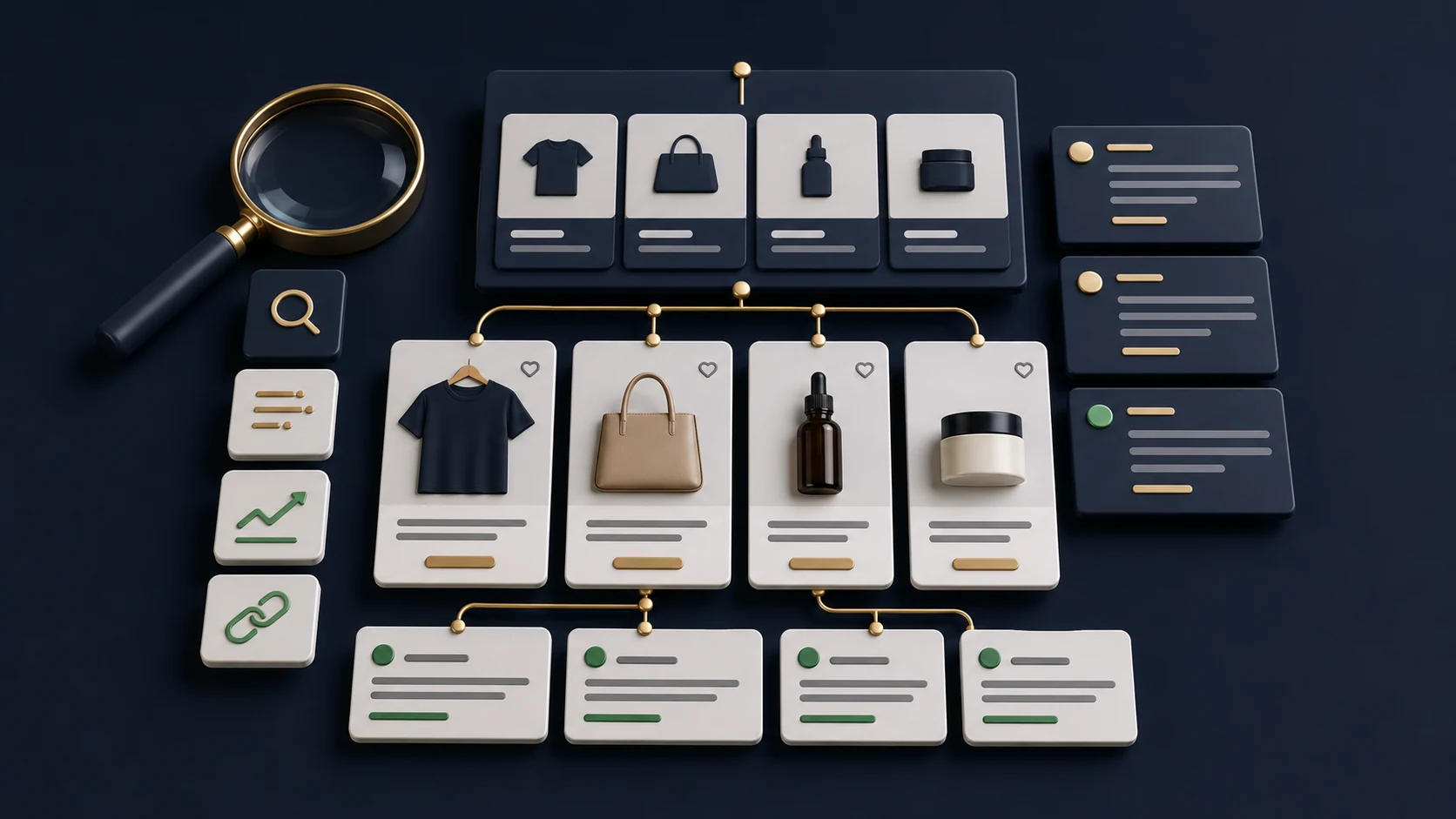
Faceted navigation is the filtering system inside a collection. A customer may start on a main collection such as Dresses, Skincare or Furniture, then narrow the product grid by size, colour, brand, material, availability or price. In Shopify, this can be powered by native filters, product tags, theme logic, apps or custom collection templates.
From a customer experience point of view, filters are often necessary. They help people find the right product faster. From an SEO point of view, the risk appears when every filtered view becomes a separate page that search engines can crawl, index or treat as a competing version of the same collection.
Why Filters and Tags Can Hurt SEO
The biggest issue is duplication. A collection page and several filtered versions may display almost the same products, the same heading, the same metadata and the same introductory content. If those URLs are crawlable and indexable, Google may see many similar pages instead of one strong collection page.
This can create index bloat, waste crawl attention and split ranking signals. It can also make Search Console harder to understand because reports may include many low-value URLs created by filters, tags or tracking parameters. The store may look larger, but not stronger.
- Filtered URLs can create near-duplicate collection pages.
- Tag pages can compete with the main collection page.
- Parameter URLs can multiply quickly when several filters are used together.
- Thin filtered pages may have no unique copy, metadata or internal links.
- Search engines may spend time crawling pages that do not deserve organic visibility.
If your Shopify store already has many collection variations, a focused Shopify SEO optimisation review can help identify which URLs should be strengthened and which should be controlled.
Decide Which Pages Deserve Indexing
Not every filtered page is bad. Some filtered combinations match real search demand and deserve their own landing page. For example, a fashion store may benefit from a dedicated page for black dresses, linen shirts or wide fit trainers if those categories have clear search intent and enough products to support a useful page.
The key question is whether the page is useful as a search landing page. If it has a clear keyword target, enough relevant products, unique content and a stable place in the site structure, it may deserve indexation. If it is only a temporary filtered view with very similar products, it usually should not compete with the main collection.
Indexing Decision Checklist
If the answer is yes, consider building a proper collection or landing page for that intent. If the answer is no, keep the filter useful for browsing but avoid treating it as an organic landing page.
Control Duplicate Collection URLs
Shopify stores can create several paths to similar product sets. Product tags, filtered collection URLs, sorting parameters and app-generated URLs can all create extra versions of the same page. The fix is not one single setting. It usually requires reviewing canonical tags, internal links, sitemap inclusion and how the theme or filtering app creates URLs.
Canonical tags are especially important. They tell search engines which URL is the preferred version when similar pages exist. However, canonical tags are not a magic cleanup tool. If your site internally links heavily to weak filtered URLs, search engines may still spend time discovering and processing them.
- Keep main collection URLs clean and consistent.
- Avoid linking to unnecessary tag or parameter URLs from key navigation.
- Check that duplicate filtered pages point to the correct canonical URL.
- Make sure important collection pages are included in the sitemap.
- Avoid creating multiple collection pages for the same keyword intent.
Handle Shopify Tags, Filters and Parameters
Many Shopify SEO problems come from treating tags and filters as content strategy. Tags are useful for organising products, but they are not always the best way to create SEO landing pages. If a tag page has no unique copy, no strong heading and no clear internal linking, it is usually weaker than a proper collection page.
Modern Shopify filters can also generate parameter-based URLs. These are often better for user experience, but they still need to be reviewed. If several filters can combine, the number of possible URLs can grow quickly. A store with a few collections can suddenly produce hundreds or thousands of filtered variations.
Filter and Tag Control Checklist
When a filtered intent is commercially important, build it properly. That may mean a dedicated collection page with useful copy, curated products, clear metadata and internal links from relevant pages. This is stronger than hoping a thin filter result page will rank.
Improve Internal Linking and Collection Depth
Internal linking helps search engines understand which pages matter most. If your store links to every small filtered variation equally, it becomes harder to see the priority pages. Your main collections, subcollections and high-intent landing pages should receive cleaner, more deliberate links.
Think about the collection structure as a hierarchy. The homepage and navigation should point to the most important commercial categories. Collection content can link to useful subcategories. Blog content can support buying decisions and point back to relevant collections or services. This gives both customers and search engines a clearer path through the store.
- Link to important collections from the homepage, navigation and relevant content blocks.
- Use collection copy to guide customers toward meaningful subcategories.
- Link blog guides to relevant product or collection pages.
- Avoid filling pages with links to every minor filter variation.
- Use descriptive anchor text that matches the page purpose.
This connects closely with product and collection page optimisation. If you have not reviewed those foundations yet, start with a broader Shopify SEO checklist for product and collection pages before deciding which faceted URLs should receive extra attention.
Check Google Search Console Signals
Google Search Console can show whether faceted navigation is creating noise. Look for discovered URLs that include filters, tags, sorting parameters or unusual collection paths. If many of those URLs are excluded, duplicated or crawled without being indexed, that may be a sign that the store is generating more URL variations than it needs.
You should also review which collection pages actually receive impressions and clicks. Sometimes a store has many indexed pages, but only a small group drives search visibility. That is a sign to strengthen the useful pages and reduce the noise around them.
Search Console Review Checklist
If the issue appears after a platform move, theme rebuild or URL restructure, connect this work with the wider migration process. A careful Shopify migration SEO plan should protect redirects, metadata, collection structure and product data together.
Final Faceted Navigation SEO Checklist
Faceted navigation SEO is about control. Your Shopify store can keep helpful filters for customers without letting every filtered URL become a weak search landing page. The strongest approach is to decide which pages deserve indexation, strengthen those pages properly and reduce duplicate signals around everything else.
Shopify Faceted Navigation SEO Checklist
The best Shopify SEO structure is not the store with the most URLs. It is the store where the most important pages are clear, useful and easy to understand. Faceted navigation should support that structure, not dilute it.
Frequently Asked Questions
Should Shopify filter pages be indexed?
Only some filtered pages should be indexed. If a filtered page has clear search demand, enough products, unique content and a stable purpose, it may deserve indexation. Most temporary filter combinations should be controlled so they do not compete with stronger collection pages.
Are Shopify tag pages bad for SEO?
Shopify tag pages are not automatically bad, but they can become weak duplicate pages when they display similar products without unique content or clear metadata. Important category intents are usually better handled with proper collection pages.
Do canonical tags fix duplicate collection URLs?
Canonical tags help search engines understand the preferred URL, but they should be supported by clean internal linking, sensible sitemap choices and a clear collection structure. They should not be the only SEO control.
How do I know if faceted navigation is causing SEO problems?
Review Google Search Console for duplicate, crawled or excluded URLs that include filters, tags, sorting parameters or unusual collection paths. If many low-value variations are being discovered, your filter system may need tighter SEO control.