A Shopify migration is not just a design or development project. For established ecommerce brands, it is also an SEO, data and analytics project. If URLs change without redirects, product data is imported poorly, metadata is lost or tracking breaks, the new store can launch with hidden problems that affect organic traffic, paid campaigns and customer confidence.
A successful migration protects what already works while improving the platform underneath it. That means planning before build, testing before launch and monitoring after the new Shopify store goes live. The goal is not only to move the store. The goal is to move it without losing the search visibility, product information and commercial signals the business depends on.
Why Migration Risk Is Often SEO Risk
Search engines build an understanding of your existing store over time. They crawl URLs, interpret page content, follow internal links and associate pages with specific search intent. During a migration, many of those signals can change at once. A new platform, theme, URL structure, navigation, metadata and content layout can all affect how search engines understand the site.
Some movement after launch is normal, but avoidable losses usually come from poor preparation. Missing redirects, broken internal links, thin imported product descriptions, removed collection copy, duplicate pages and blocked crawl paths can all create problems. This is why SEO should be part of the migration plan from the start, not something checked after the store is already live.
Audit the Current Store First
Before anything moves, document the current store. Identify the pages that receive organic traffic, generate revenue, attract backlinks or support important campaigns. These pages need special attention because they carry existing value. If they are removed, renamed or redirected poorly, performance can suffer after launch.
Your audit should include URLs, title tags, meta descriptions, headings, indexation status, canonical tags, product data, collection copy, tracking scripts and key template functionality. This creates a source of truth for the migration and makes it easier to check whether the new Shopify store has preserved what matters.
- Export all important URLs before changing platform or structure.
- Identify pages with organic traffic, sales, backlinks or campaign use.
- Record metadata, headings, collection copy and product descriptions.
- Review current tracking, pixels and conversion events.
- Check which pages should be kept, merged, redirected or removed.
Map URLs and Redirects
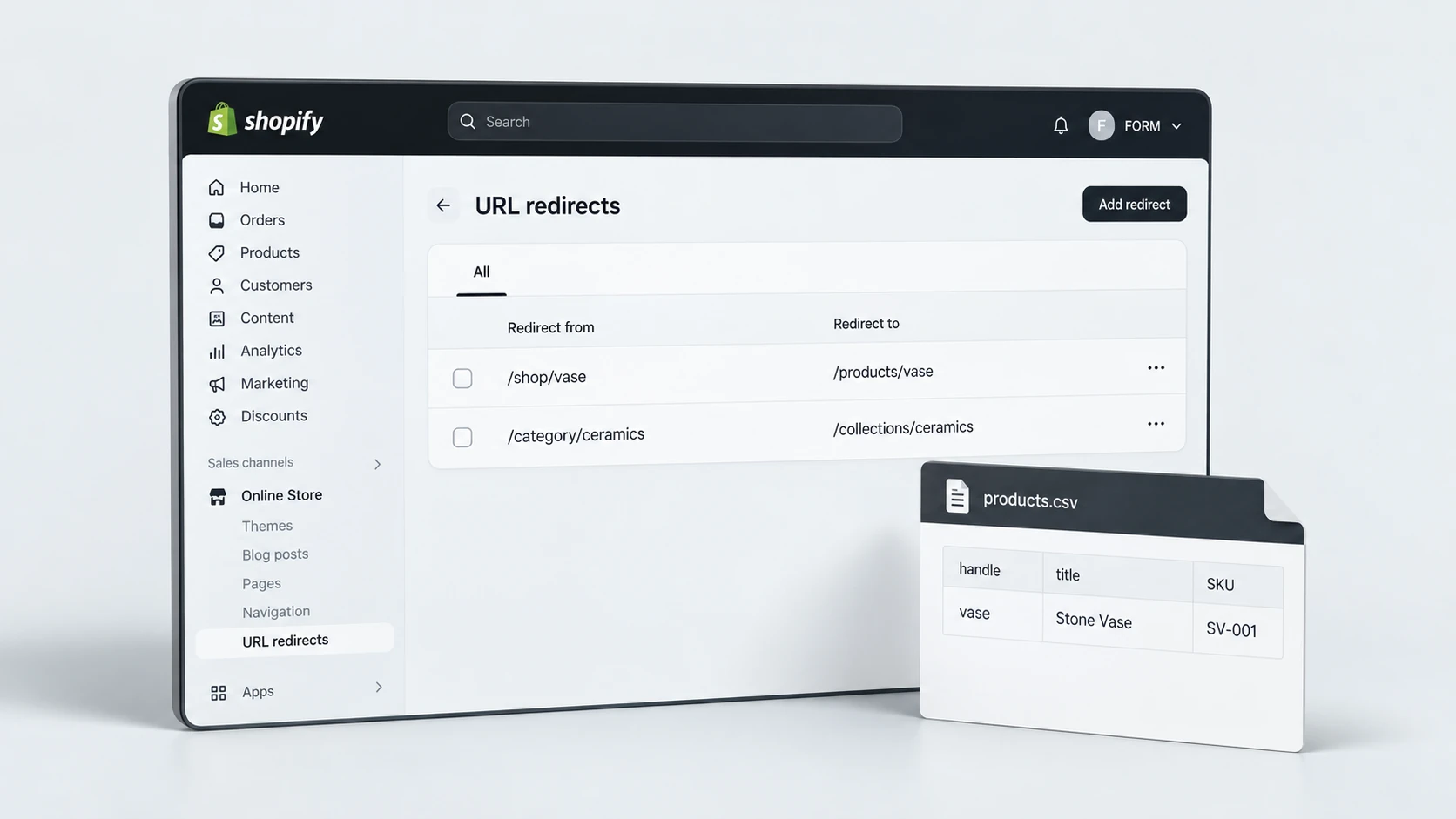
Redirects are one of the most important parts of a Shopify migration. If old URLs change, users and search engines need a clear path to the new versions. A redirect map connects each old URL to the most relevant new Shopify URL. This is especially important for product pages, collections, blog posts and pages that have backlinks.
Avoid redirecting everything to the homepage. That creates a poor customer experience and weakens the relevance signal. Redirect old product URLs to the matching product where possible, old category pages to the matching collection, and retired pages to the closest useful alternative. If no relevant alternative exists, decide intentionally rather than guessing.
Redirect Mapping Checklist
If you are planning a platform move, RexCode’s Shopify migration service can support URL mapping, redirects, data transfer, theme setup and launch testing with SEO continuity in mind.
Protect Product and Collection Data
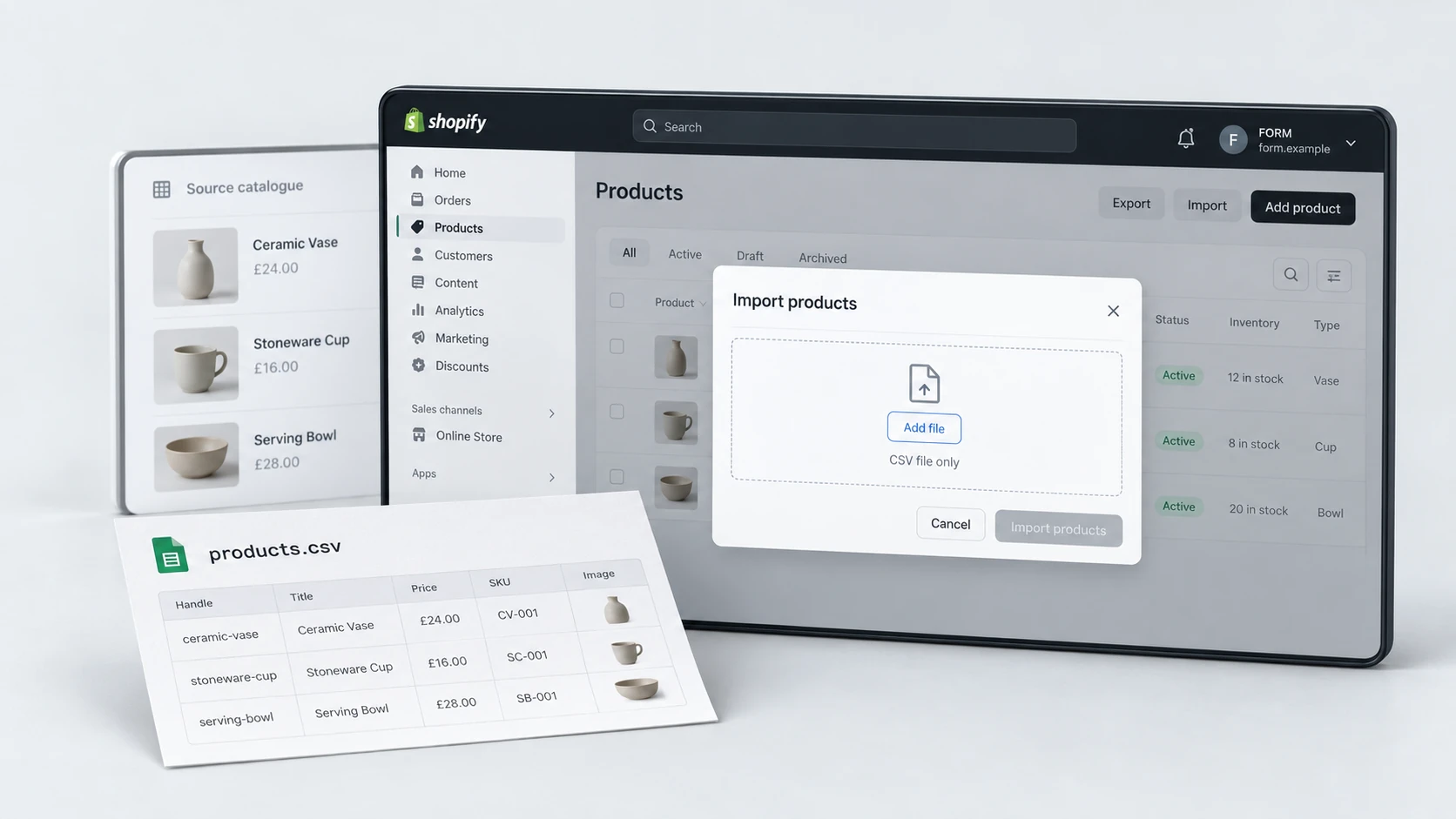
Product data is the commercial centre of most ecommerce migrations. Titles, descriptions, variants, SKUs, prices, inventory, images, tags, metafields and collection assignments all need to move cleanly. If data is incomplete or poorly structured, the store may look functional while causing operational, SEO and customer experience issues.
Product descriptions should be reviewed rather than blindly copied. A migration is a good time to remove duplicate supplier text, improve important product pages and clean up collection assignments. However, do not remove useful content simply because the new theme has a different layout. Important buying and SEO information should still be present in the new store.
- Check that products, variants, SKUs, prices and inventory import correctly.
- Preserve high-quality product descriptions and buying information.
- Review image quality, alt text and product media order.
- Map old categories to Shopify collections carefully.
- Test products with variants, bundles, subscriptions or custom fields separately.
Preserve Metadata and On-Page Content
Metadata is easy to lose during a migration. Title tags, meta descriptions, headings and collection copy may not transfer automatically depending on the old platform, export format and Shopify setup. If these elements disappear, important pages can become thinner and less clearly aligned with their search intent.
Review product pages, collection pages, blog posts and service-style content before launch. Keep metadata unique and relevant. Make sure collection pages still include useful crawlable content, not only product grids. Check that canonical tags and indexation settings are correct in Shopify.
SEO Content Migration Checklist
For stores with organic visibility, a dedicated Shopify SEO optimisation review can help protect metadata, internal links, content depth and indexation signals during or after the migration.
Rebuild Tracking and Events
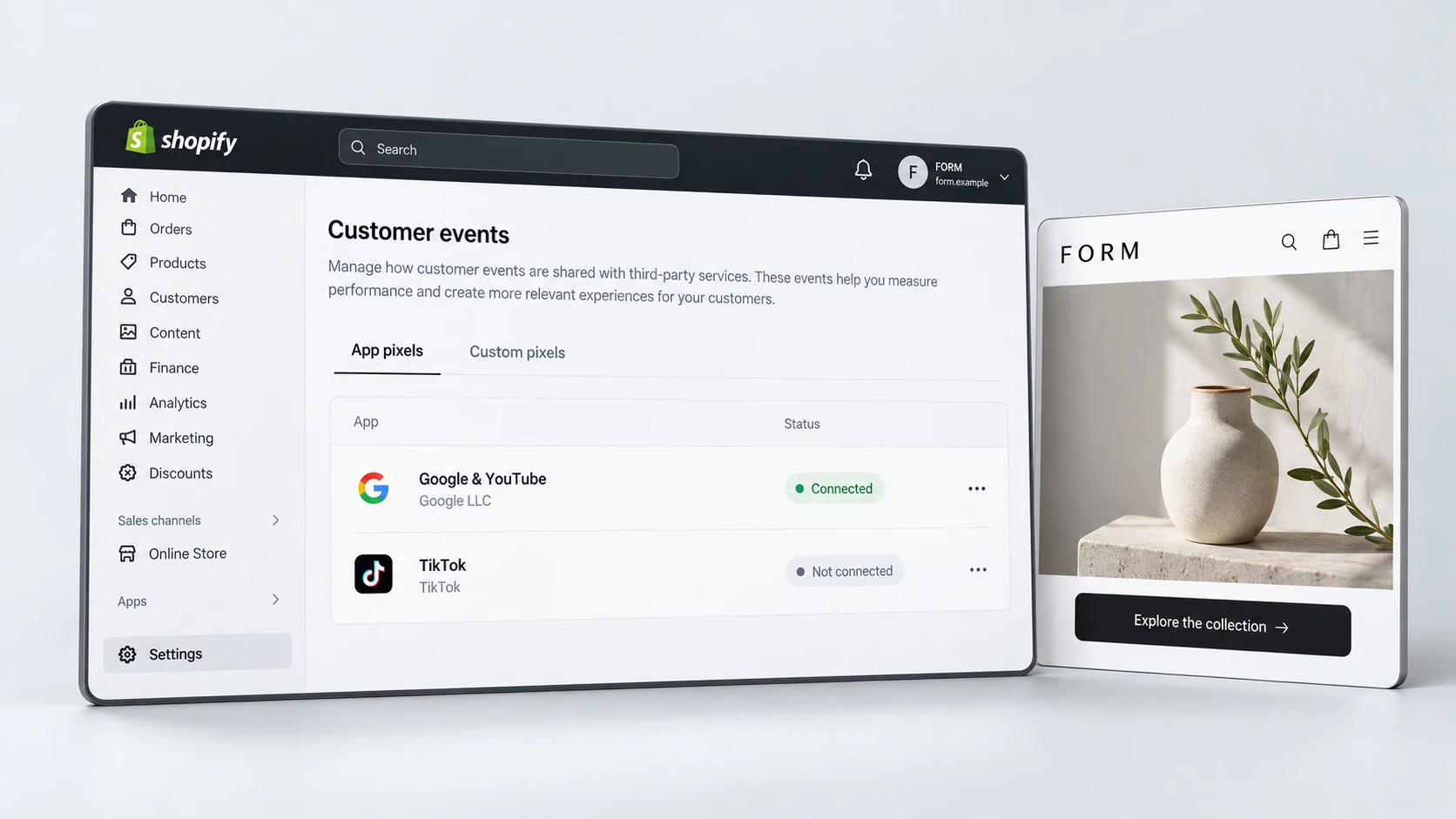
A migration can break analytics even when the storefront looks correct. Google Analytics, Meta Pixel, Google Ads tags, consent tools, email platform events and custom conversion tracking may all need to be rebuilt or rechecked. If tracking is wrong, the business may make poor decisions after launch because the data no longer reflects reality.
Document the existing tracking setup before migration. Then confirm which events should fire on the new store: page views, product views, add to cart, checkout start, purchase, form submissions and email sign-ups. Test these events before launch and again after going live.
- Document existing analytics, pixels and conversion events.
- Reconnect Shopify, Google Analytics, ad platforms and email tools carefully.
- Test add-to-cart, checkout and purchase tracking.
- Check consent settings and cookie behaviour.
- Compare post-launch data against expected patterns before making decisions.
Test Before and After Launch
Testing should happen before DNS changes and continue after launch. Pre-launch testing checks whether the new Shopify store is ready. Post-launch testing confirms that real URLs, redirects, tracking, checkout and SEO signals work correctly in the live environment.
Do not test only the homepage. Review important product pages, collections, content pages, blog posts, forms, navigation, search, filters, cart and checkout. Test on mobile and desktop. Use the redirect map to check old URLs. Review 404s, broken links, missing images and unexpected layout issues.
Launch Testing Checklist
If post-launch issues appear, document them clearly before making changes. RexCode’s Shopify bug fixes support can help investigate theme, app, tracking and launch issues that appear after a migration.
Final Migration Protection Checklist
A Shopify migration should feel controlled, not rushed. The strongest migrations protect existing SEO, product data, customer journeys and analytics before focusing on visual polish. That requires a clear plan and a careful launch process.
Shopify Migration Protection Checklist
Moving to Shopify can create a stronger ecommerce foundation, but only when migration details are handled carefully. Protecting URLs, redirects, product data, metadata and tracking gives the new store a better chance of launching cleanly and growing from a stable base.
Frequently Asked Questions
Can a Shopify migration hurt SEO?
It can if URLs, redirects, metadata, internal links, content or indexation signals are handled poorly. A careful migration plan reduces the risk by protecting the pages and signals that already support organic visibility.
Do I need redirects when migrating to Shopify?
Yes, if old URLs are changing. Redirects help users and search engines reach the most relevant new Shopify pages instead of landing on errors or unrelated pages.
What product data should be checked during migration?
Check titles, descriptions, variants, SKUs, prices, inventory, images, alt text, tags, metafields, collection assignments and any product-specific options such as bundles or subscriptions.
When should tracking be tested during a migration?
Tracking should be documented before migration, tested before launch and checked again after the store is live. Key events include product views, add to cart, checkout start, purchases and forms.