Table of Contents
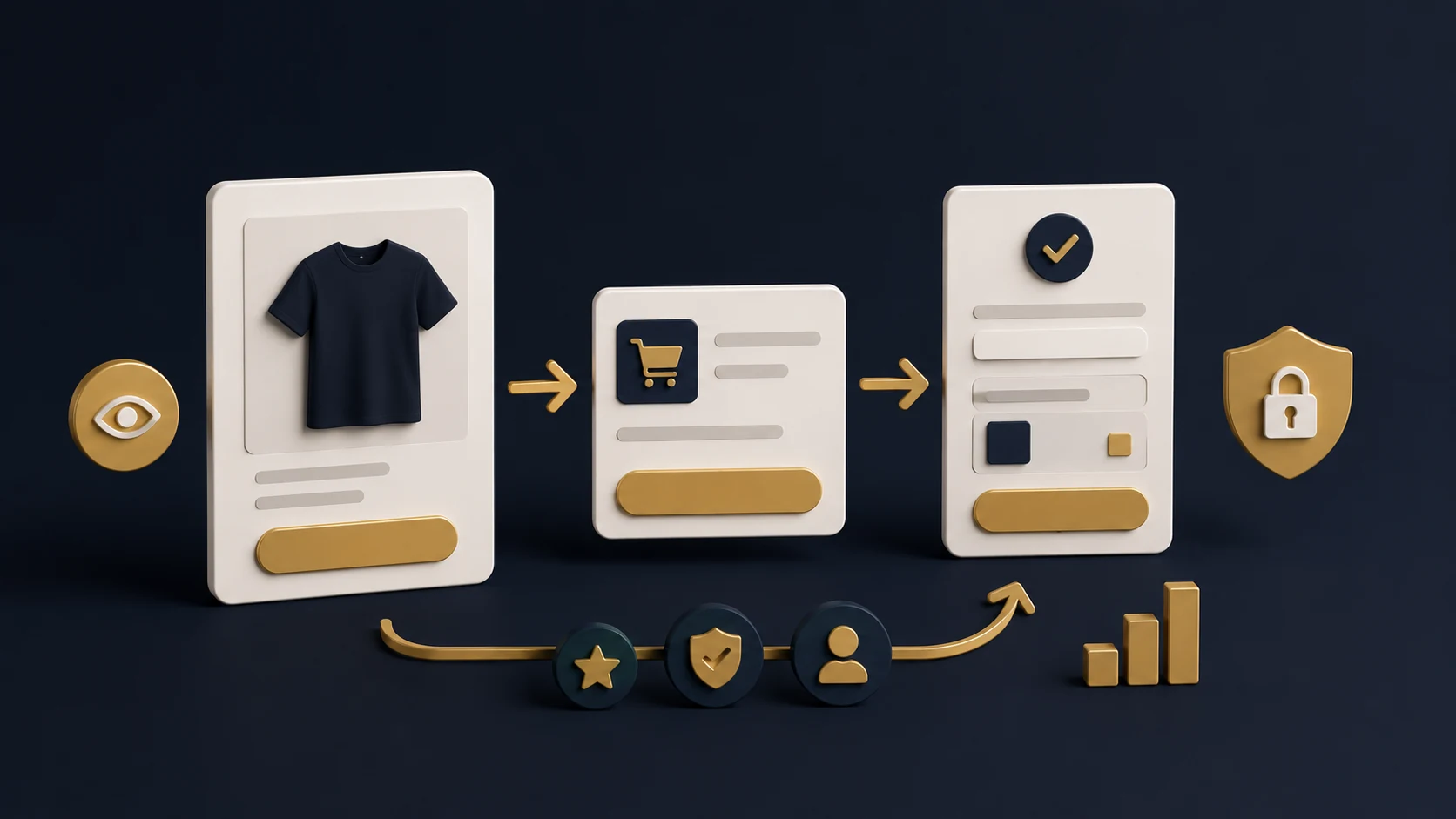
01. Why Premium Design Matters 02. Create Clear Visual Hierarchy 03. Use Spacing Like a Premium Brand 04. Choose Better Imagery 05. Design for Mobile First 06. Add Trust-Focused Sections 07. Final Web Design ChecklistPremium Shopify design is not only about looking expensive. It is about creating a store that feels clear, trustworthy and easy to use. Strong design helps customers understand your products faster, trust your brand more easily and move through the buying journey without confusion.
Why Premium Design Matters
When visitors arrive on your Shopify store, they form an impression quickly. If the website feels messy, outdated or inconsistent, they may hesitate before buying. A premium design creates confidence before the customer even reads every detail.
Good design supports conversion. It guides attention, highlights important information and makes the store feel professional. For new brands especially, design is one of the fastest ways to build trust.
Create Clear Visual Hierarchy
Visual hierarchy controls what the customer notices first. Your headings, product images, buttons, pricing and trust messages should be arranged in a clear order. If everything looks equally important, nothing stands out.
A strong Shopify page should make the next step obvious. The headline should explain the offer, supporting text should add clarity, and the CTA should guide the customer toward action.
- Use large, clear headings for important messages.
- Keep supporting text shorter and easier to scan.
- Make primary CTA buttons visually stronger.
- Use consistent heading and paragraph sizes.
- Avoid overcrowding sections with too much text.
Use Spacing Like a Premium Brand
Spacing is one of the biggest differences between a basic website and a premium-looking website. Cheap-looking stores often feel crowded because every element is too close together. Premium design gives content enough room to breathe.
Proper spacing improves readability and helps users focus. It also makes sections feel more polished, especially on product pages, homepage blocks and service sections.
Spacing Checklist
Choose Better Imagery
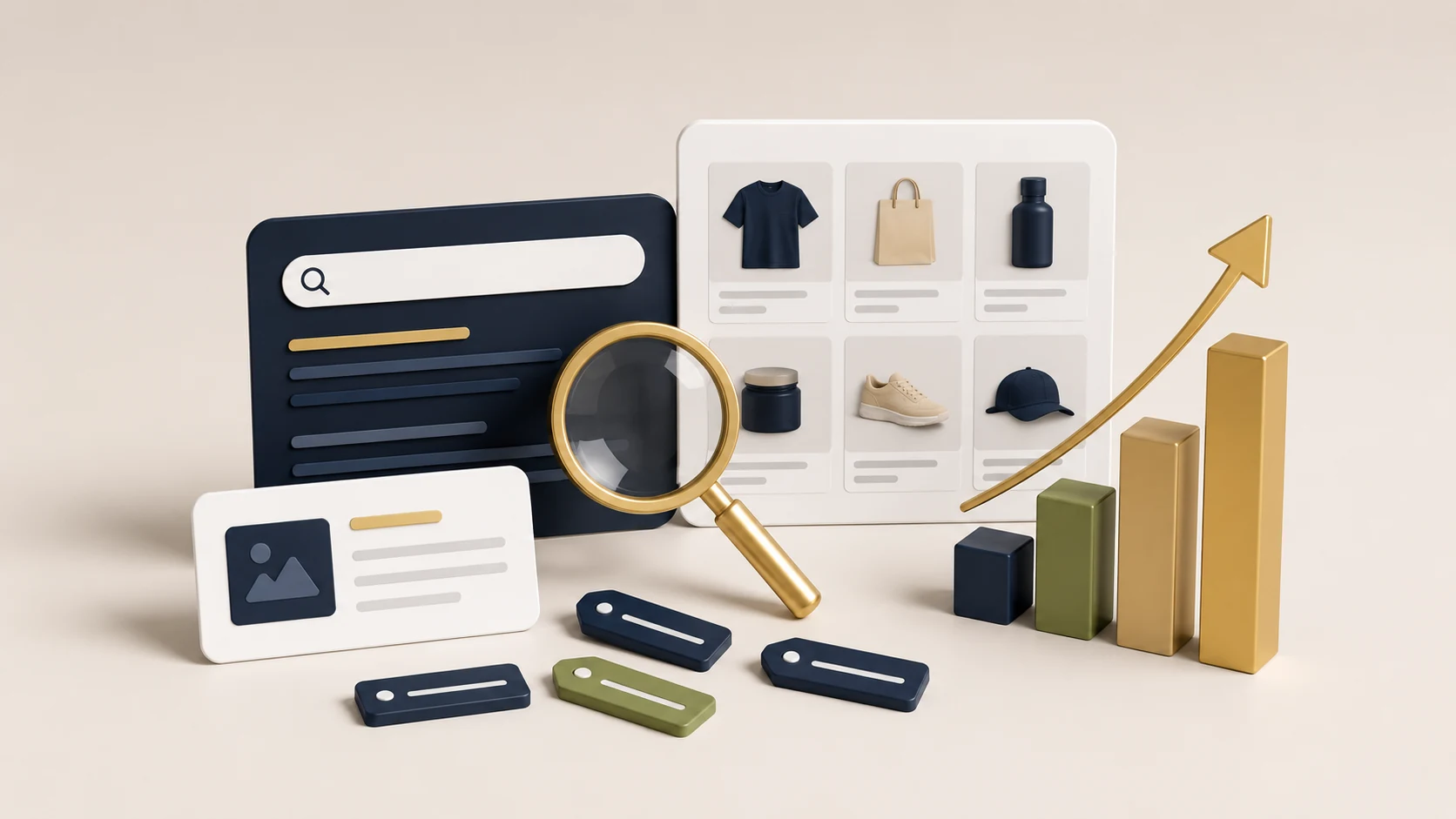
Images strongly affect how customers perceive your brand. Low-quality visuals can make even a good product feel less valuable. High-quality images make the store feel more trustworthy and professional.
For Shopify stores, product images should be clean, consistent and useful. Lifestyle images can help customers imagine the product in real situations, while close-up images can show quality and detail.
Design for Mobile First
Many Shopify customers browse from mobile devices, so mobile design is not optional. A page that looks beautiful on desktop can still fail if the mobile version feels cramped, slow or difficult to navigate.
On mobile, buttons should be easy to tap, text should be readable and important information should appear before the user gets tired of scrolling. Product pages should make images, price, variants and add-to-cart actions easy to access.
- Use readable font sizes on small screens.
- Keep CTA buttons easy to tap.
- Compress images for faster loading.
- Make product information easy to scan.
- Test checkout flow on an actual phone.
Add Trust-Focused Sections
Premium design should also build trust. A beautiful store without proof, policies or reassurance may still struggle to convert. Customers want to know whether the brand is real, reliable and safe to buy from.
Add sections that answer customer doubts. This can include reviews, FAQs, delivery information, returns, secure checkout messaging, brand story and contact details.
Trust Section Checklist
Final Web Design Checklist
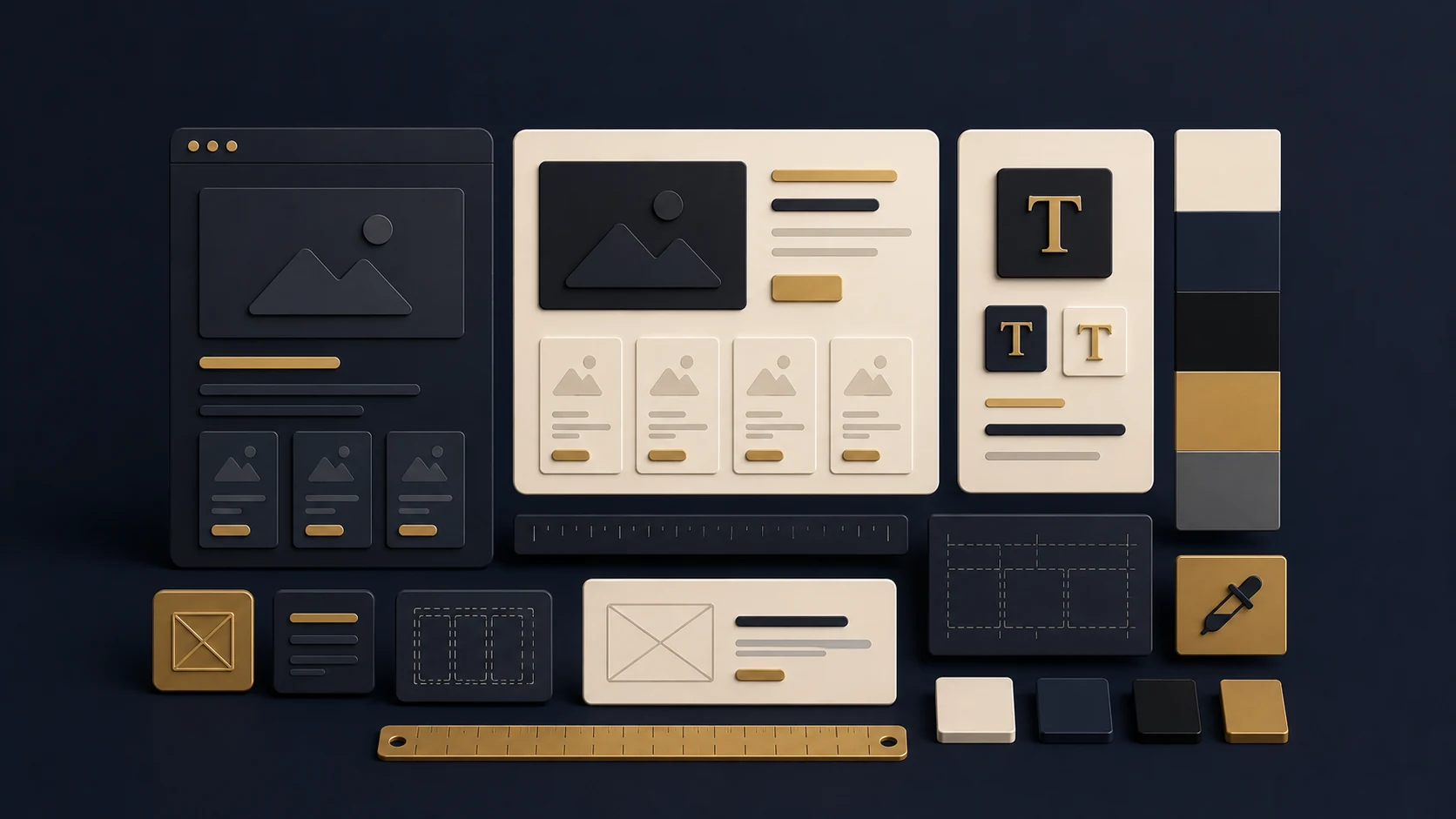
Premium Shopify design is built through consistency. Your colours, typography, spacing, imagery, cards, buttons and section structure should feel like one complete brand experience.
Premium Design Checklist
The best Shopify stores do not just look attractive. They make buying feel simple, safe and natural. When premium design is combined with clear messaging and strong conversion structure, the store becomes more than a digital catalogue — it becomes a sales-focused brand experience.
Frequently Asked Questions
What makes a Shopify store look premium?
Clean spacing, consistent typography, high-quality images, strong hierarchy, professional colours and trust-building sections all help a Shopify store feel more premium.
Does premium design improve conversions?
It can. Premium design builds trust and makes the customer journey clearer. However, design should also support usability, speed and strong product information.
Should Shopify design be mobile-first?
Yes. Many ecommerce visitors browse on mobile, so the mobile experience should be easy, fast and conversion-focused.
Do I need custom design for Shopify?
Not always. A well-structured theme can work well, but custom sections and refined design can make the store feel more unique, premium and aligned with the brand.
Related service: Explore RexCode’s Shopify Store Redesign service.