Table of Contents
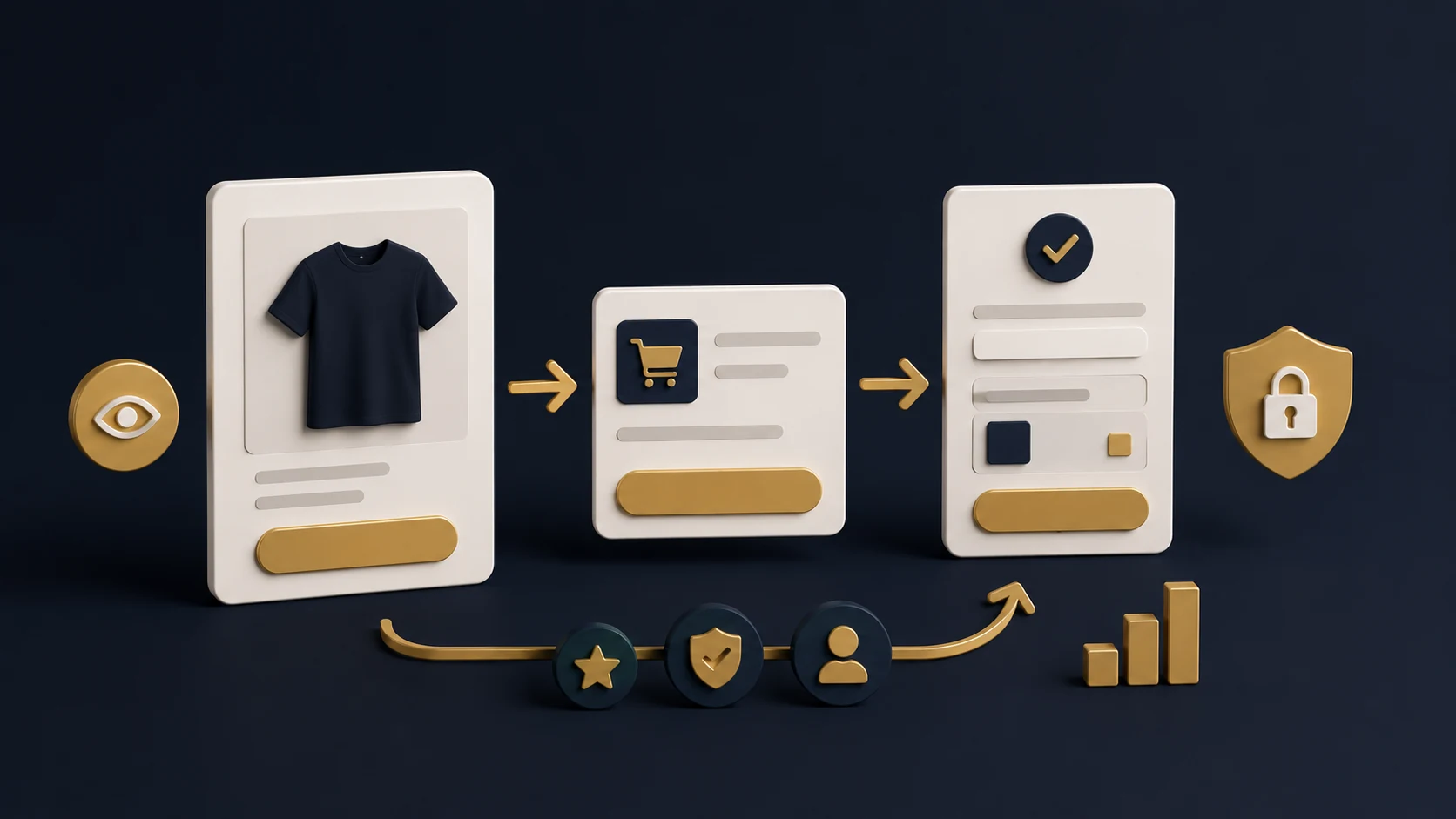
01. Start With a Clear Store Strategy 02. Build a Conversion-Focused Homepage 03. Optimise Product Pages 04. Prepare Collections & Navigation 05. Set Up Payments, Shipping & Policies 06. Add Trust Signals 07. Check SEO Before Launch 08. Final Launch ChecklistFor a new brand, your Shopify store is often the first serious impression a customer gets. If the website feels unclear, slow or unfinished, visitors may leave before they even look at your products properly. This checklist helps you prepare a Shopify store that looks professional, explains your offer clearly and gives customers enough confidence to buy.
Start With a Clear Store Strategy
Before designing any page, define what your store needs to communicate. Many new Shopify brands make the mistake of focusing only on visuals. Design matters, but strategy comes first. Your customer should understand what you sell, who it is for, why it is different and why they should trust your brand.
Start by clarifying your main product categories, your target audience, your strongest selling points and your primary call-to-action. This makes the entire store easier to build because every section has a purpose.
Build a Conversion-Focused Homepage
Your homepage should quickly answer three questions: what you offer, why it matters and what the visitor should do next. The hero section should include a clear headline, a short supporting sentence and a visible CTA button.
After the hero section, add your best-selling products, key benefits, customer reassurance, featured collections and a short brand story. The goal is not to make the page long for no reason. The goal is to remove doubt and make browsing simple.
- Use one strong headline instead of vague marketing text.
- Show your best collections near the top of the page.
- Add benefits such as fast delivery, secure checkout or quality guarantee.
- Use clear buttons like “Shop Now”, “View Collection” or “Get a Free Audit”.
Optimise Product Pages
Product pages are where most buying decisions happen. A good product page should combine strong visuals, clear information and trust-building details. Customers should not need to search around the website to understand sizing, delivery, returns or product benefits.
Use high-quality images, simple product titles, benefit-focused descriptions, clear pricing and easy-to-select variants. If your product has technical details, include them in a clean structure rather than placing everything inside one long paragraph.
Product Page Checklist
Prepare Collections & Navigation
Collections help customers browse your products easily. If your navigation is confusing, people may leave even if they like your products. Keep your menu simple and organise products in a way that matches how customers think, not how your internal system is organised.
For example, a fashion store might use collections like “New Arrivals”, “T-Shirts”, “Hoodies” and “Best Sellers”. A service-based ecommerce brand might use categories based on customer goals, such as “Store Setup”, “SEO”, “CRO” and “Migration”.
Set Up Payments, Shipping & Policies
Even a beautiful Shopify store can lose customers if payment, shipping or policy information is unclear. Before launch, test your checkout from start to finish. Make sure your payment gateway, shipping zones, taxes, order confirmation emails and contact forms work properly.
Your policies should also be easy to access. Customers often check delivery, refund and contact information before buying from a new brand. Clear policies reduce hesitation and make the store feel more legitimate.
Add Trust Signals
New brands need to work harder to earn trust. Trust signals do not need to be complicated, but they should be visible. Add customer reviews, secure checkout messages, real contact details, delivery information, FAQs and professional design consistency.
If you do not have many reviews yet, you can still build trust with clear policies, transparent product information, strong visuals and a professional brand presentation.
Check SEO Before Launch
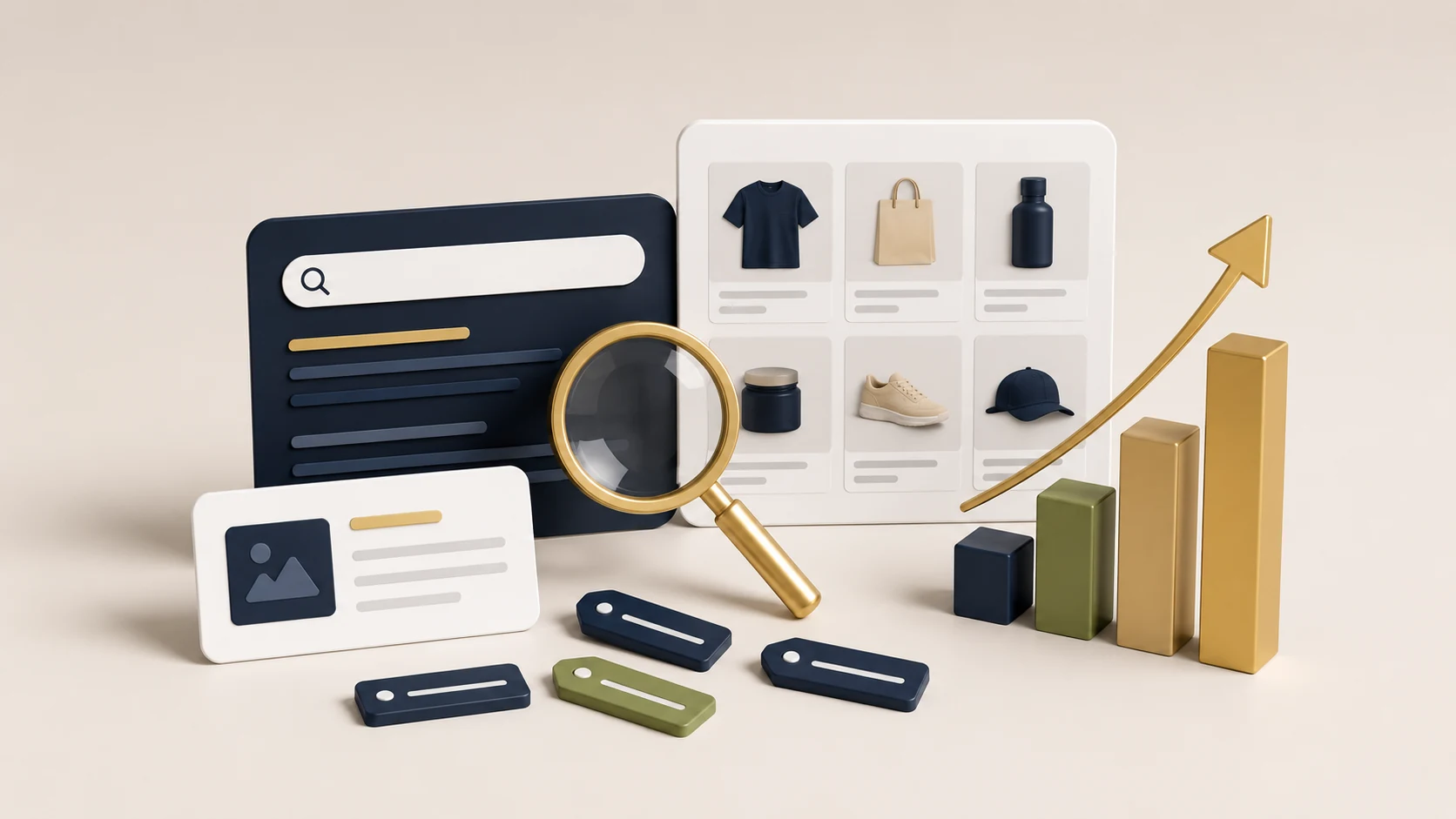
Shopify SEO should be prepared before launch, not months later. Basic SEO structure helps Google understand your store and gives your pages a better foundation for long-term visibility.
Optimise page titles, meta descriptions, image alt text, URL slugs, collection descriptions and internal links. Your product and collection pages should include relevant keywords naturally, but avoid stuffing keywords in a way that makes the content hard to read.
Final Launch Checklist
Before publishing your Shopify store, review it on both desktop and mobile. Mobile experience is especially important because many ecommerce visitors browse and buy from their phones.
Pre-Launch Checklist
A strong Shopify launch gives your brand a better starting point. Instead of fixing avoidable issues after visitors arrive, prepare the store properly from the beginning. This creates a smoother customer experience and helps your marketing perform better.
Frequently Asked Questions
How long does it take to set up a Shopify store?
A simple Shopify store can be prepared in a few days, but a more polished and conversion-focused setup usually takes longer. The timeline depends on product count, custom sections, branding, content, apps and SEO preparation.
Should I focus on design or conversion first?
Both matter, but conversion should guide the design. A store can look beautiful and still fail if the customer journey is confusing. Good design should make the buying process easier.
Do new Shopify stores need SEO?
Yes. SEO helps your store build a better long-term foundation. Even if you plan to run ads, clear SEO structure improves page quality, content organisation and organic visibility.
What should I check before running ads?
Check your homepage, product pages, checkout, mobile layout, analytics, page speed and trust signals. Paid ads work better when the store is already prepared to convert traffic.
Related service: Explore RexCode’s Shopify Store Development service.