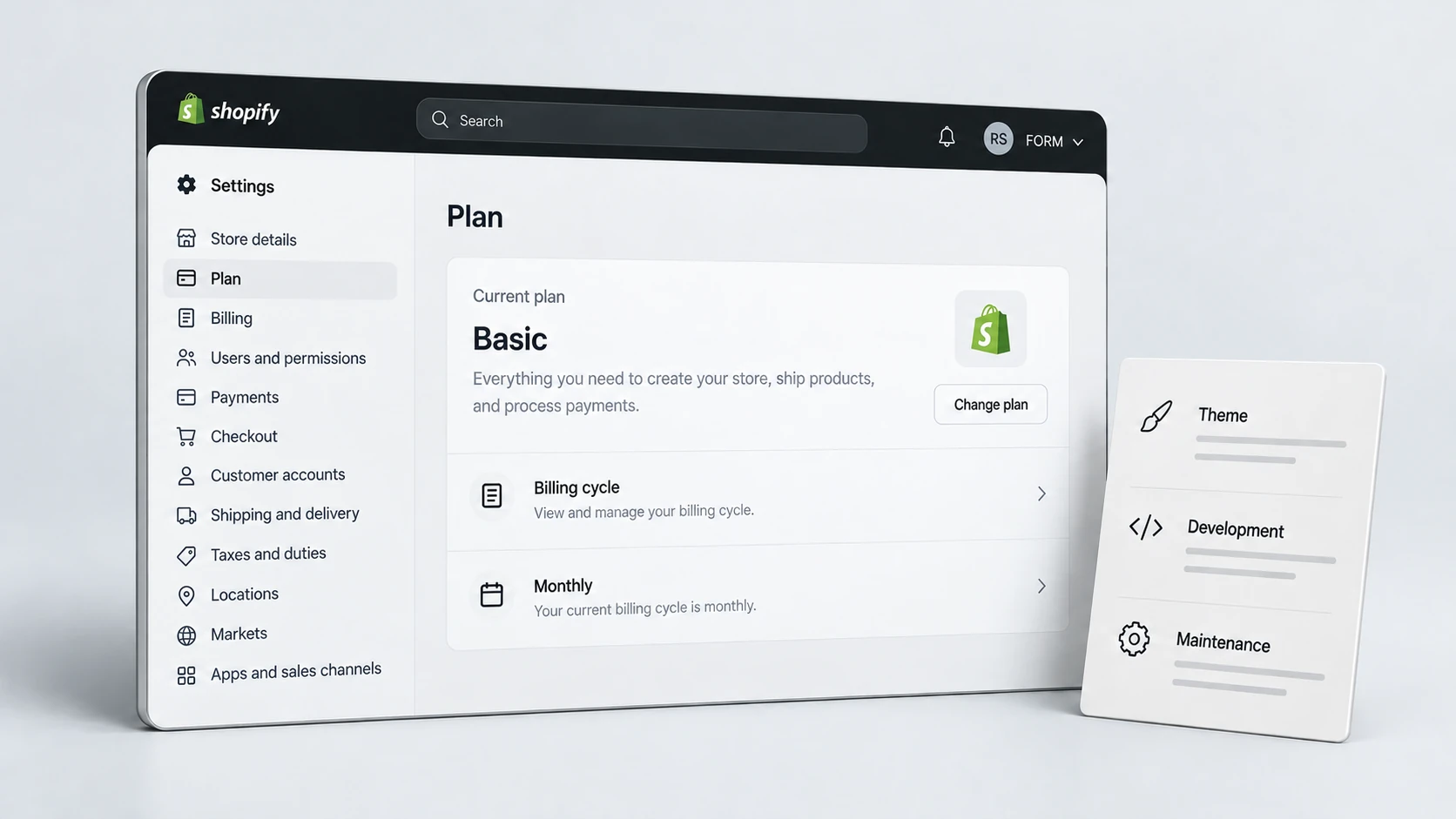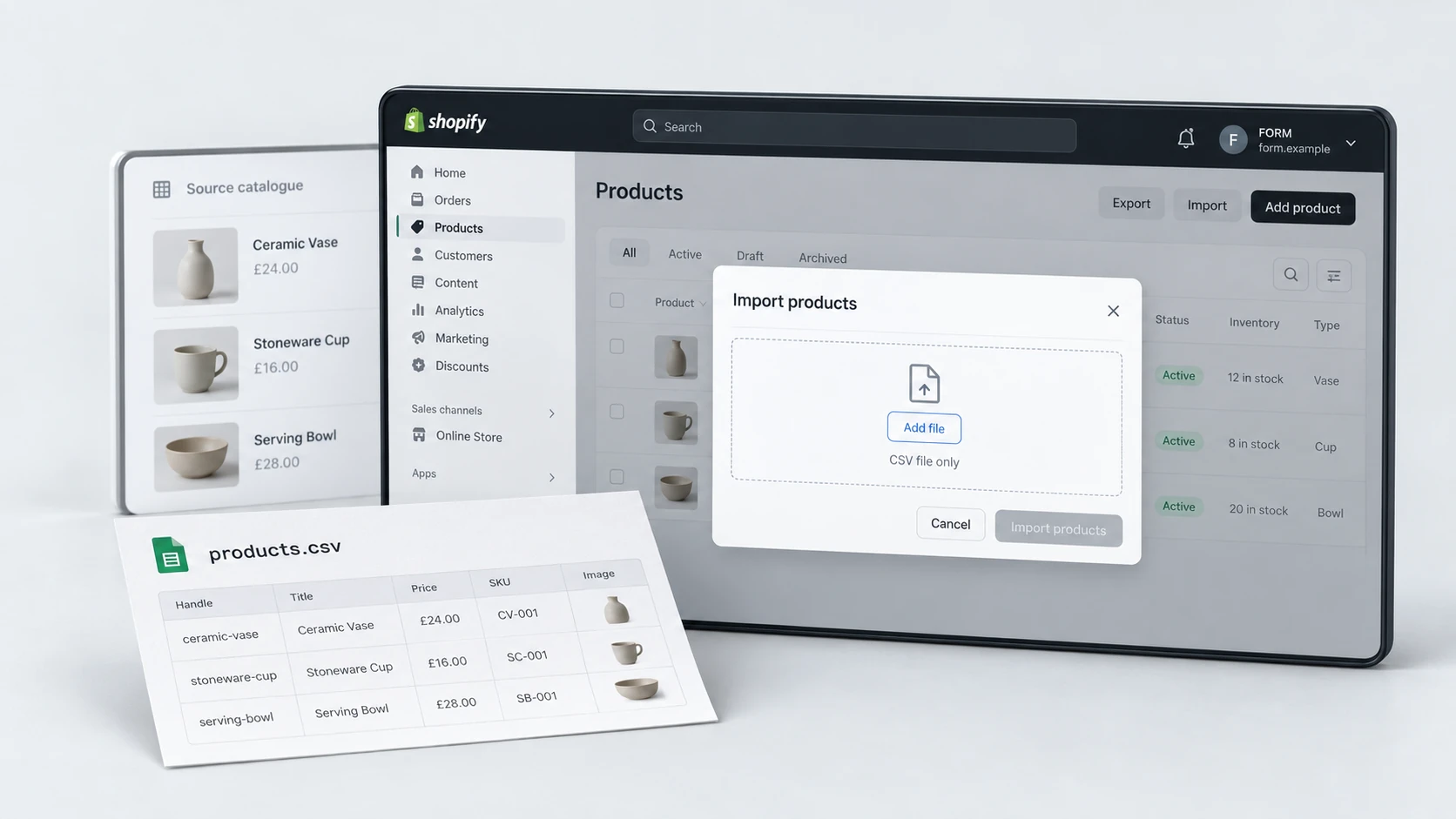
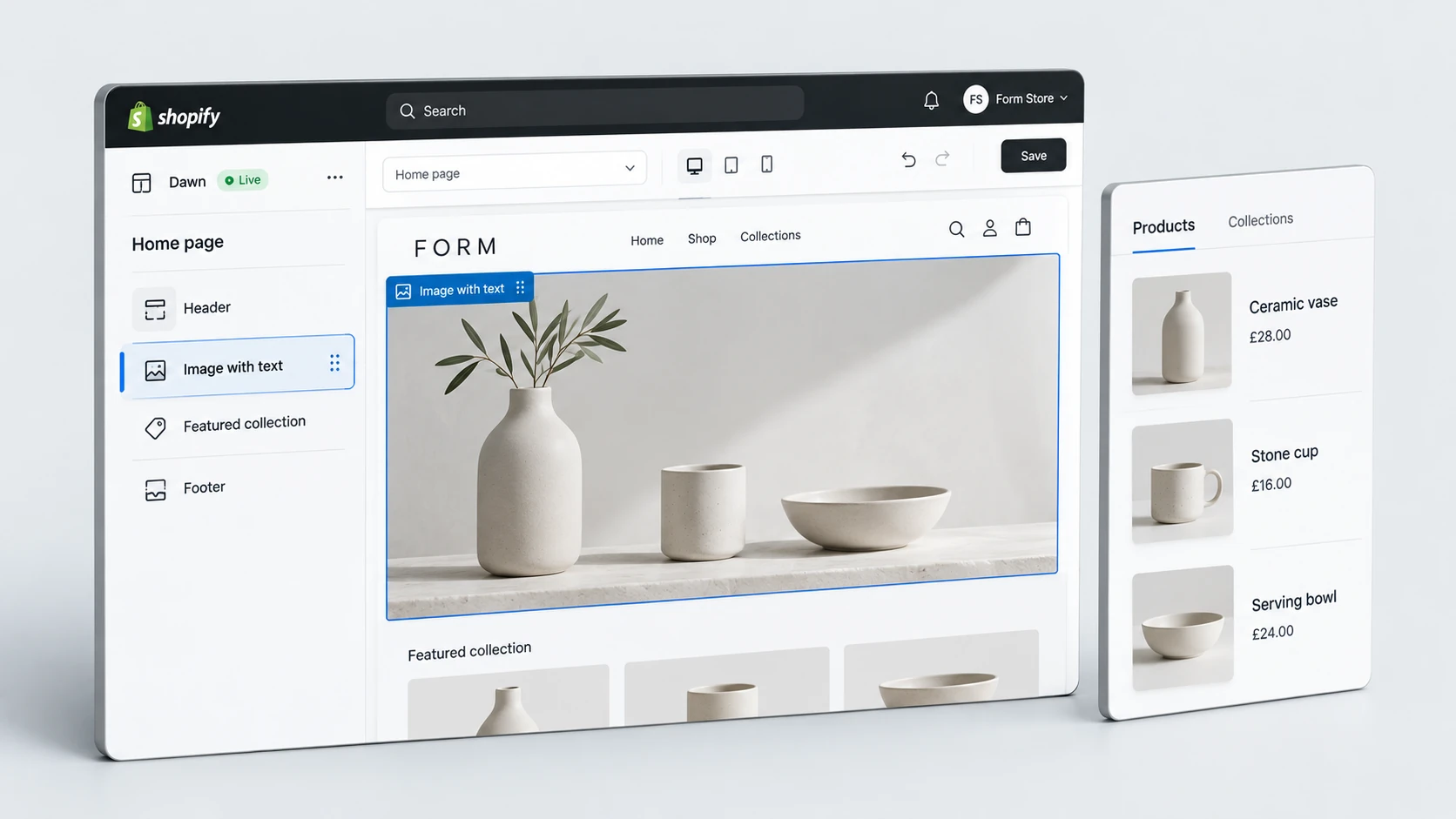
Shopify store development is not just about getting a theme online. For a growing ecommerce brand, the store needs to support merchandising, product discovery, mobile shopping, conversion paths, technical performance and future content updates without becoming difficult to manage.
A successful Shopify store build gives the brand a cleaner operating system for selling online. It should make products easier to understand, pages easier to update and the buying journey easier to trust. The checklist below covers the areas that matter most before, during and after a Shopify development project.
Why Store Development Matters
A Shopify store can look polished on the surface and still be hard to use, slow to update or weak commercially. Development decisions shape how the store behaves when the brand adds new products, runs campaigns, updates collections or improves key pages over time.
Strong Shopify ecommerce development connects design, content, theme structure and technical quality. The goal is not to add complexity. The goal is to create a store that feels clear for customers and manageable for the team behind it.
Start With Commercial Requirements
Before development begins, the project should define what the store needs to do commercially. A fashion brand, skincare brand, supplement store and B2B ecommerce business may all use Shopify, but their product education, filtering, trust signals and checkout journeys can be very different.
This is where a Shopify development agency should clarify what the store needs before choosing sections, templates or apps. A development project becomes stronger when it starts with the buying journey instead of only starting with a visual reference.
- Define the main product categories and buying paths.
- Clarify which pages drive the most commercial value.
- List the content blocks the team needs to edit regularly.
- Identify trust messages needed before checkout.
- Agree which apps are essential and which add unnecessary weight.
Commercial Planning Checklist
Plan UX and Mobile Experience
Mobile experience should be treated as a core part of Shopify store development, not a final QA task. Many ecommerce visitors browse, compare and buy from mobile devices, so layout decisions need to work on small screens from the beginning.
A conversion-focused Shopify store should make the next step obvious. Customers should be able to understand the offer, compare products, select variants, read delivery information and move towards checkout without fighting the interface.
- Keep product information easy to scan on mobile.
- Make primary calls to action clear and easy to tap.
- Use navigation that supports product discovery.
- Avoid hiding essential details too far down the page.
- Test real shopping paths, not only individual page layouts.
Build Product and Collection Structure
Product pages and collection pages carry much of the commercial weight in a Shopify store. A strong Shopify store build should give both page types enough structure to support buying decisions, search visibility and future merchandising.
Product pages should make the offer clear. That includes images, price, variants, delivery details, returns, reviews, product benefits, FAQs and trust signals. Collection pages should help customers browse with confidence through filters, sorting, category context and clear product cards.
Product Page Checklist
Collection Page Checklist
Check Performance and SEO Foundations
Performance and SEO foundations should be considered during development, not after launch. Heavy themes, unnecessary scripts, poor heading structure and weak metadata can make a store harder for both users and search engines to understand.
A well-planned Shopify store setup should include clean templates, logical headings, editable SEO fields, sensible image handling and a controlled approach to apps. These decisions help the store stay easier to crawl, easier to update and faster to improve after launch.
- Use one clear H1 per key template.
- Keep image sizes controlled and compression-friendly.
- Avoid installing apps before confirming they are needed.
- Build sections that do not create unnecessary layout shift.
- Make metadata and collection copy easy to maintain.
If your brand needs a cleaner technical and commercial foundation, RexCode offers a Shopify store development service focused on structure, mobile UX, editable sections and conversion-ready Shopify builds.
Create Scalable Theme Sections
Scalable theme sections are one of the biggest differences between a simple Shopify store build and a store that can support ongoing growth. The team should be able to update hero areas, product highlights, trust blocks, comparison sections and campaign content without relying on risky manual edits each time.
This does not mean every section should be endlessly flexible. Too much flexibility can create inconsistent pages. The best Shopify store development projects create controlled sections that give the team useful options while protecting design quality.
Scalable Section Checklist
Final Development Checklist
The final stage of a Shopify store build should confirm that the store is ready for real customers, real content updates and real operational use. A launch checklist should cover more than visual QA. It should review the full path from landing on the store to completing a purchase.
Shopify Store Development Checklist
A strong Shopify store is not only launched once. It becomes the foundation for future campaigns, product launches, content updates and conversion improvements. When development is planned around structure, usability and scalability, the store becomes easier to grow without constant rework.
You can also explore RexCode’s wider Shopify services or review selected case studies to see how service areas connect across design, CRO, SEO and technical improvements.
Frequently Asked Questions
What should be included in Shopify store development?
A Shopify store development project should include template planning, mobile UX, product page structure, collection structure, checkout path review, performance checks, SEO foundations and editable theme sections.
How is Shopify store development different from store setup?
Shopify store setup often focuses on getting the basics live. Store development usually goes deeper into custom sections, page structure, buying journeys, performance and scalability.
Why does mobile experience matter in a Shopify build?
Many ecommerce customers browse and buy from mobile devices. If the mobile journey feels slow, crowded or unclear, customers may leave before reaching checkout.
Should SEO be considered during Shopify development?
Yes. Heading structure, metadata, collection content, internal links, image handling and crawlable templates should be considered during the build so the store has a cleaner foundation after launch.